Agents · Universal MCP
Your AI assistant talking to the system that runs your business.
The spreadsheet that became a system, the folder of exports, the API with no connector, the board on the workbench. You point to the system, the bridge figures out the rest, and nobody writes an MCP server.
Sign in with a code sent to your email. The bridge connects outward: no open ports. The dashboard is in Portuguese for now.
Why this exists
Your assistant talks to Google. To your system,
NO.
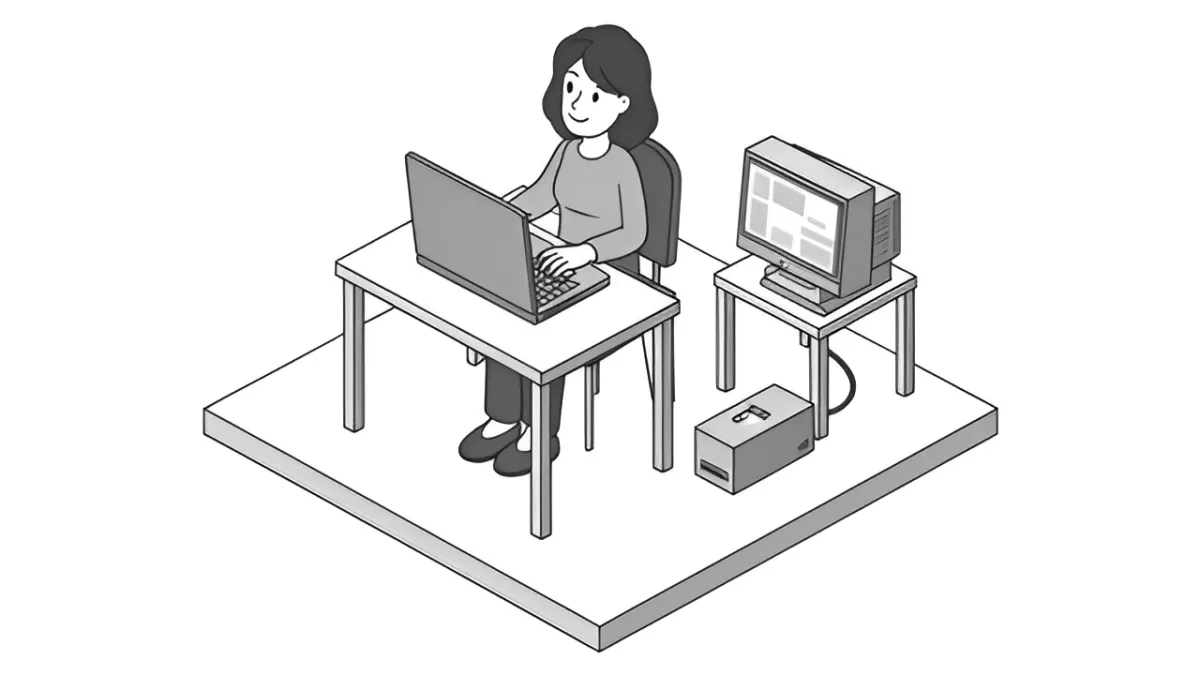
Ready-made connectors cover the well-known services. The system that closes your register and tracks your stock is not on any list, and writing an MCP server takes someone who understands both MCP and the system. So the question turns into work: export, build the spreadsheet, ask the person who knows how to use it.
- The system no connector reaches
- The export that turns into a spreadsheet every week
- The one person who knows how to use it
The whole path
Install, choose, ask.
From an isolated system to an assistant that answers.
The bridge
Close to the system, connecting outward. No open ports.
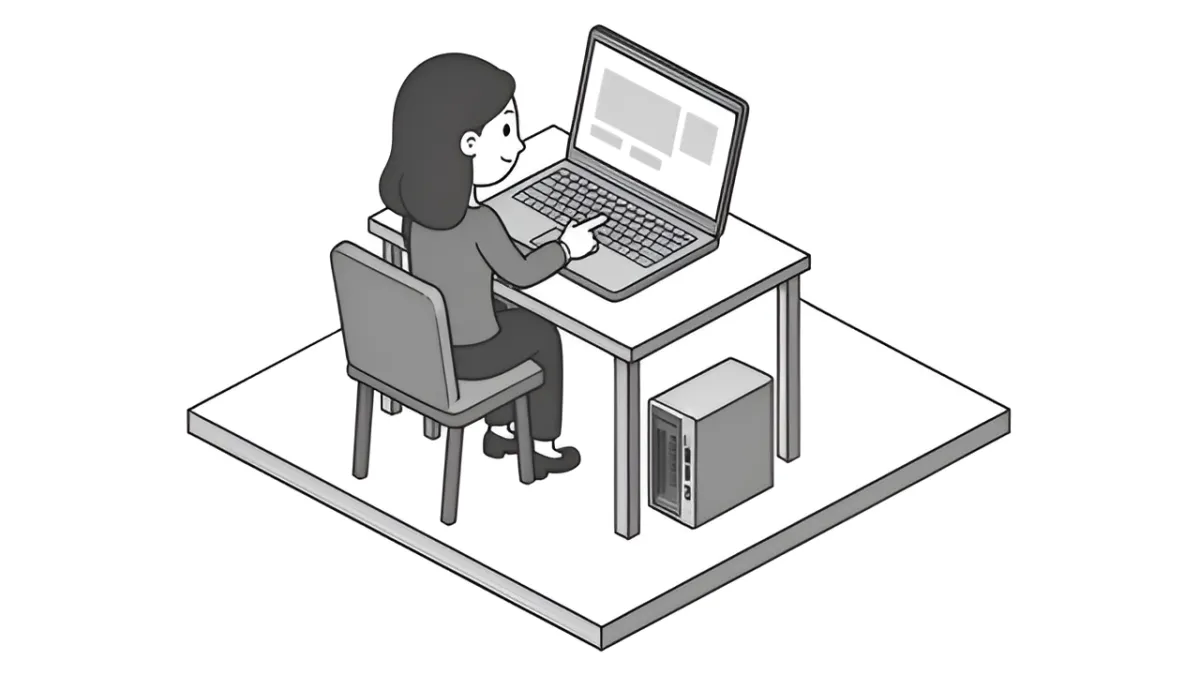
In the dashboard, "Install a bridge" ("Instalar uma ponte") gives you a code that is valid for ten minutes. On the computer that can reach the system, run three commands: install, link it to your account, and keep it connected. On Mac and Linux, the installer adds Bun if it is missing. On Windows, you run the bridge by hand, on Bun.
$ curl -fsSL https://universal.worker.myagents.click/install | sh
$ universal-mcp pair --code K7Q-2MX
$ universal-mcp run

Ponte conectada a https://universal.worker.myagents.click.
Choose what to connect
The bridge looks at the machine and suggests what it found: the data files that programs have open and the ports that are listening. You choose. What it cannot read yet shows up as "not supported yet" ("ainda sem peça").
It describes by reading only
CSV, JSON, folders of them, APIs with an OpenAPI contract, and devices over WebSocket. Types are inferred, including 4.250,00 and 02/11/2026, as well as closed lists and the actions in the contract.
One address per system
Paste it into your assistant. You sign in with Auth, in the browser, and the token is valid only for that system. There is no key to paste.
Inside your program
Your program becomes its own bridge.
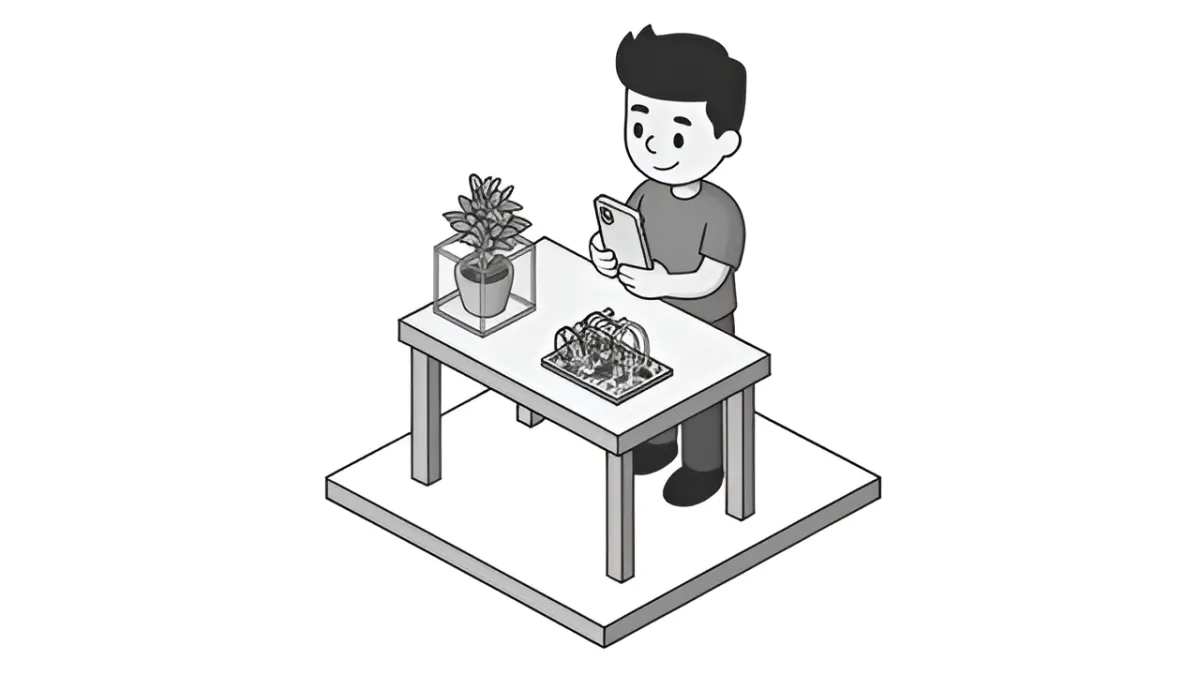
When the system is a program you write yourself, put the library inside it. The program states what it has to read and what it can do, pairs with the code from the dashboard, and connects outward. You download them in the dashboard, under Bridges (Pontes), with a first program already written.
- JavaScript: Node, Bun, or Deno, no dependencies
- Python: with the websockets package
- Arduino: an ESP32 with Wi-Fi, the key in flash
- Swift: iPhone and Mac apps, no dependencies
What waits for you
The assistant asks. You decide.
The rule is on the server, not in a warning.
Writing
Questions read right away. Writes wait for your yes.
The first write call never runs. The bridge does a dry run of what would be sent, and that becomes a request in Approvals (Aprovações). After you say yes, the assistant calls again and runs exactly what you approved, once. New arguments are rejected.
you         write off 3 units of 1042

act         baixar_estoque  codigo 1042  quantidade 3
            nothing sent: the dry run becomes a request

dashboard   Approvals  ·  approve
act         with the approved request
            runs quantity 3, once
Permissions per system
Read and write, each one allowed, with approval, or blocked. It starts with reading allowed and writing with approval.
History without the data
Each call is logged with a summary and a count. The system records are not stored: every read goes to the bridge and back.
When the system changes
The bridge describes everything again every hour. What changed becomes a version for you to review, and the assistant stays on the old one until you accept it.
The yardstick
What It Does, and Where It Stops
The limits, stated before you need to ask.
Access
Email sign-in
A code arrives by email. The first sign-in creates the account.
Per account
1 system free
3, 9, or 99 on the plans, and up to 10 bridges. Files up to 50 MB.
Reads today
CSV, JSON, APIs with a contract, WebSocket
And programs with the library. A .dbf or an .xlsx, for example, not yet.
Installer
Mac and Linux
On Windows the bridge runs by hand, on Bun, and the inventory does not scan the machine.
Not yet
Databases, COBOL, screens, phones
They are in the design, not live.
Clients checked
claude.ai
Other MCP clients with OAuth should work, but they have not been tested.
Arduino
Core tested
The Wi-Fi and TLS part has not run on a board yet.
Pricing
The plan counts systems: 1, 3, 9, or 99
Free
1 connected system, with bridges, tools, and calls not limited by plan.
No card and no expiry. Paid plans are per product, monthly or yearly (yearly gives 2 months free), and a limit only applies when you create the next one.
FAQ
The Questions, in the Order They Come Up
Still have a question?
Message us on WhatsApp and tell us which system you want to connect. The person who answers wrote the code.
Agents · Universal MCP
Your assistant in the system that runs your business.
A bridge close to the system, or a library inside the program, and one MCP address per system. Writes wait for your yes.